
Capture inquiries on your website.
Land them in your CRM.
Embed the Lead Application on your site or share it by link. Submissions create cases in your Ritten CRM the moment someone hits submit demographics, payer info, and insurance card images already captured.
What is a lead application?
A first-touch intake form built for admissions. Prospective clients, family members, or referring organizations can submit on a client's behalf from anywhere. The case lands in your CRM ready to qualify no transcription, no copy-paste from email, no leads lost to a forgotten inbox.
How it works
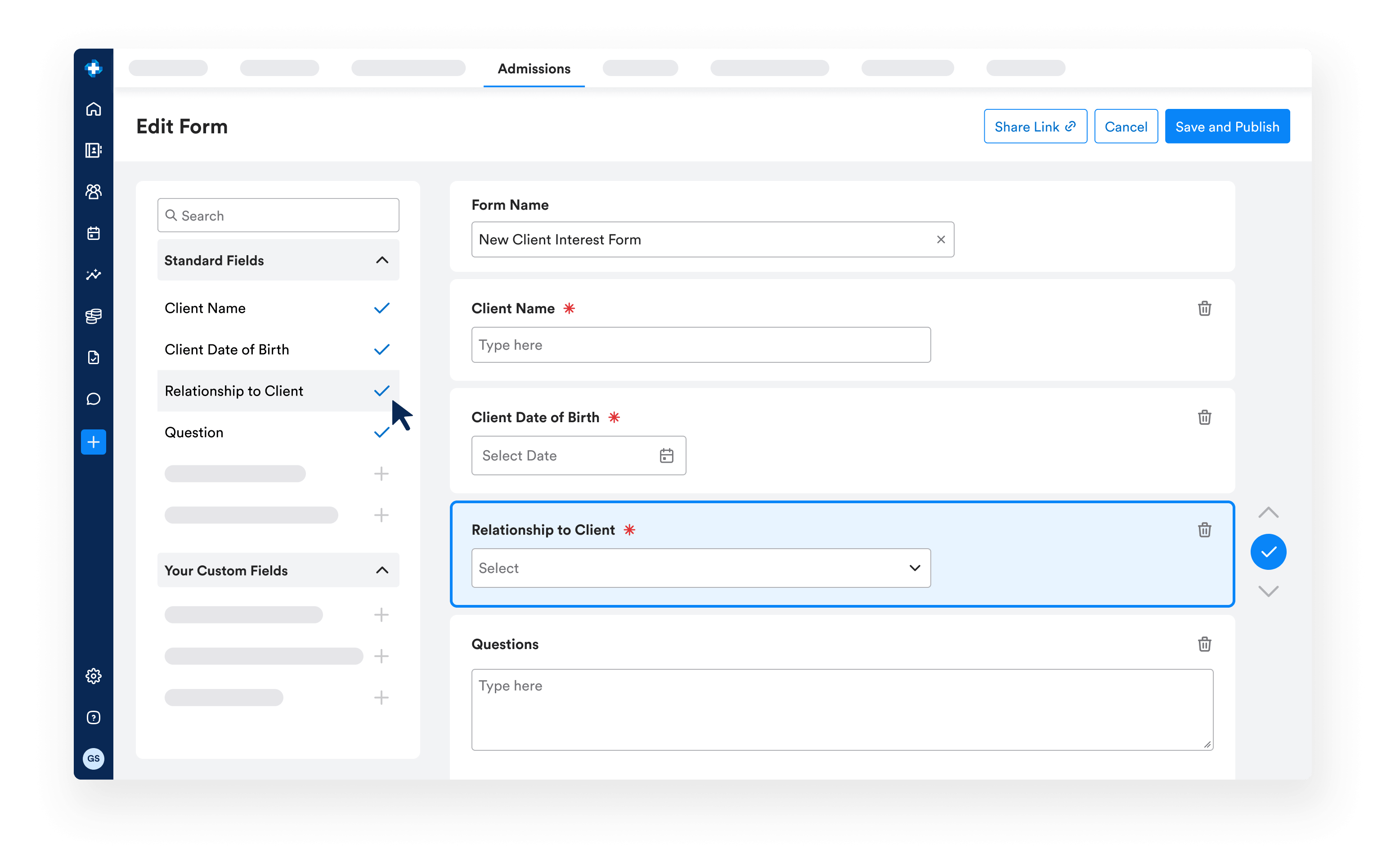
- Configure once. Set up the form in CRM Configurations sections, required fields, and presentation.
- Publish and share. Use Share Lead Application to copy a link for your site or send directly. The same link can be sent from an existing case if someone called in but needs to finish entering details.
- Submission becomes a case. A new case appears with Case Source = Lead Application and an Unconfirmed Information indicator so admissions knows to review.
- Confirm and convert. Admissions confirms whether the person is new or already in Ritten, attaches the insurance to the right payer, and moves the case through the pipeline. Self-scheduling integration lets prospective clients book their initial consultation right away.
What the form captures
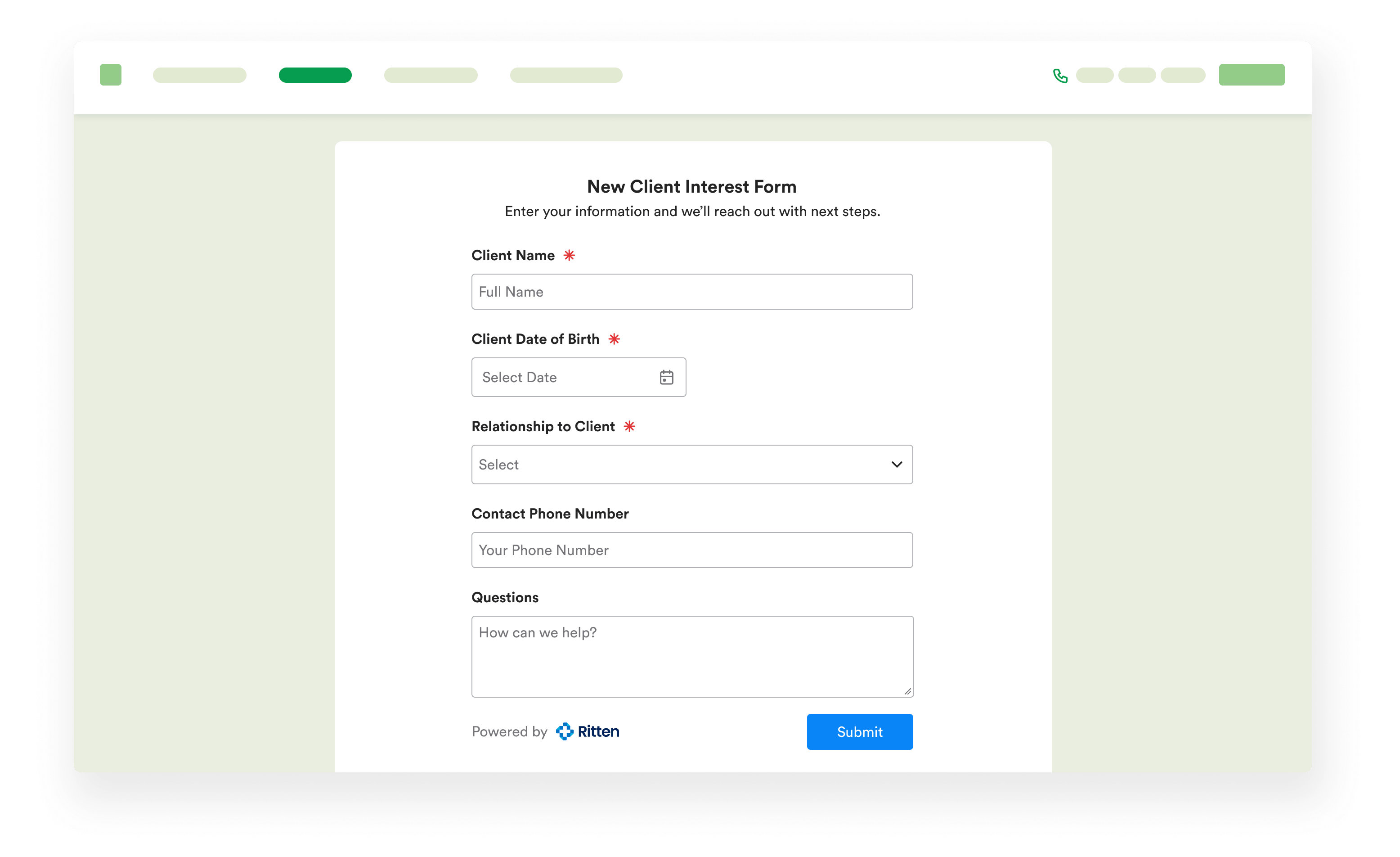
- Client information. Name, date of birth, address, email, phone.
- Payer information. Carrier, group #, member ID, RX BIN, start and expiration dates, plus a different-subscriber checkbox.
- Insurance card upload. Front and back attach directly to the case.
- Additional information. Ask anything else preferred language, reasons for seeking care, past treatment history, or any custom question your admissions process needs.
Why this changes admissions
Without a public application, every inquiry starts as a call or email someone has to read, retype, and route. The Lead Application drops the data straight into admissions, with insurance card images in the system before anyone picks up the phone.
- Faster qualification. Insurance info and card images already attached.
- Fewer drop-offs. Prospective clients don't wait for a call back to start the conversation.
- Cleaner intake. Required fields prevent incomplete submissions; the Unconfirmed Information indicator ensures review before converting.
- Source visibility. Case Source = Lead Application is set automatically, so you can filter on what came from the form.
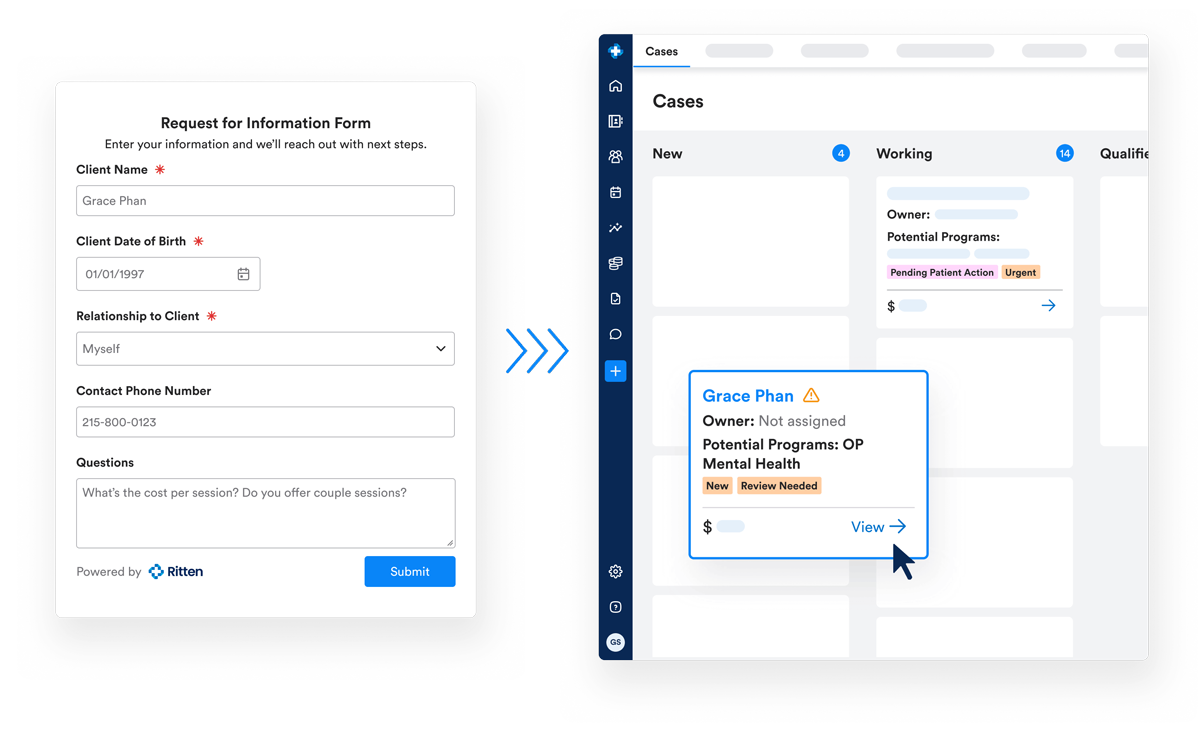
From application to chart
When admissions moves the case to Pre-Admission, Ritten generates a client chart and MRN. Uploaded insurance cards flow into the chart's Attachments tab automatically.
Frequently Asked Questions
Still have questions about our behavioral health software? Email us at hello@ritten.io
Yes — extensively. Sections, required fields, and presentation are all configurable, and you can add custom questions (reasons for seeking care, treatment history, anything else your team needs).
Yes. Share Lead Application copies a link you can embed or send directly.
Yes. From a manually created case, use Share Lead Application to send them a link to finish entering their information.
Submissions arrive as new cases with an Unconfirmed Information indicator. Admissions can create a new person or associate the case with an existing contact. The Merge Contacts tool handles duplicates if they slip through.
