
Admissions and charting in one system.
Every inquiry, phone call, referral, or web application becomes a case you can track, qualify, and convert into a client without leaving Ritten.
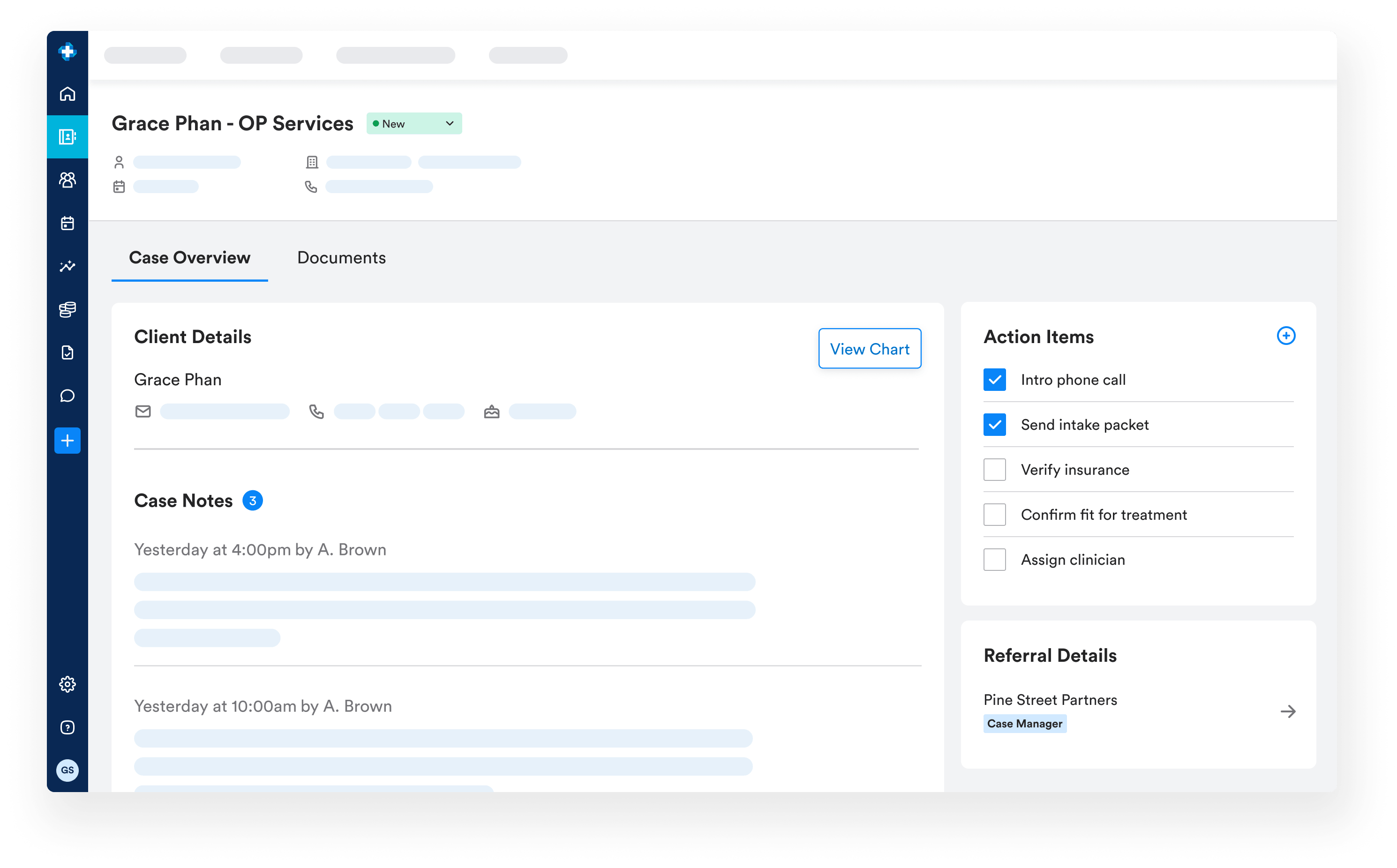
A case is one instance of a person seeking treatment, from first contact through admission. It holds who the person is, their point of contact, where the lead came from, insurance, owner, follow-up date, and conversation history. When the case is ready, Ritten generates the chart.
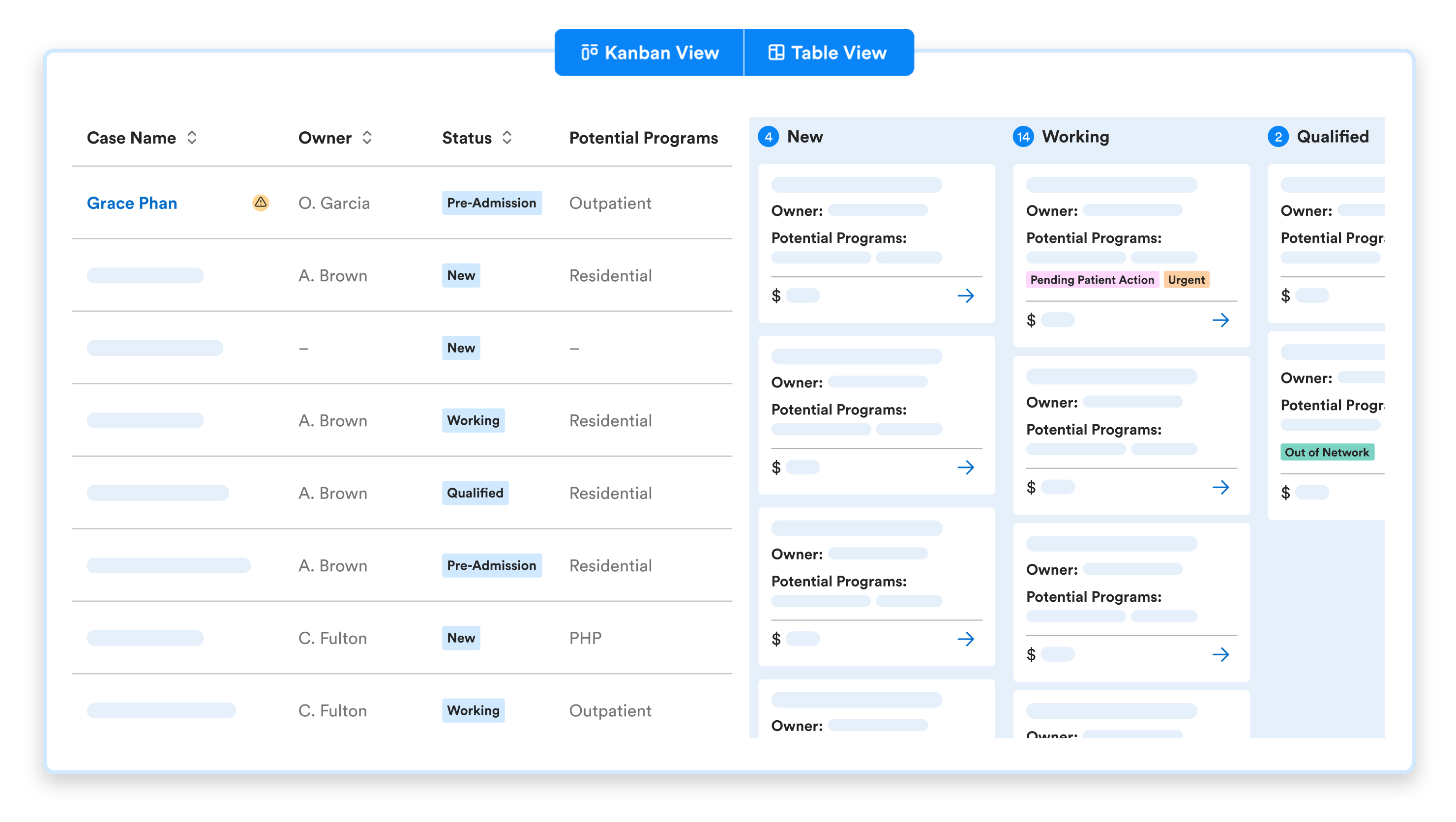
Two views for the way admissions actually work
- Board view. A drag-and-drop pipeline organized by case status.
- Table view. A sortable, filterable list built for daily standups and admissions reviews.
Built for admissions work, not sales
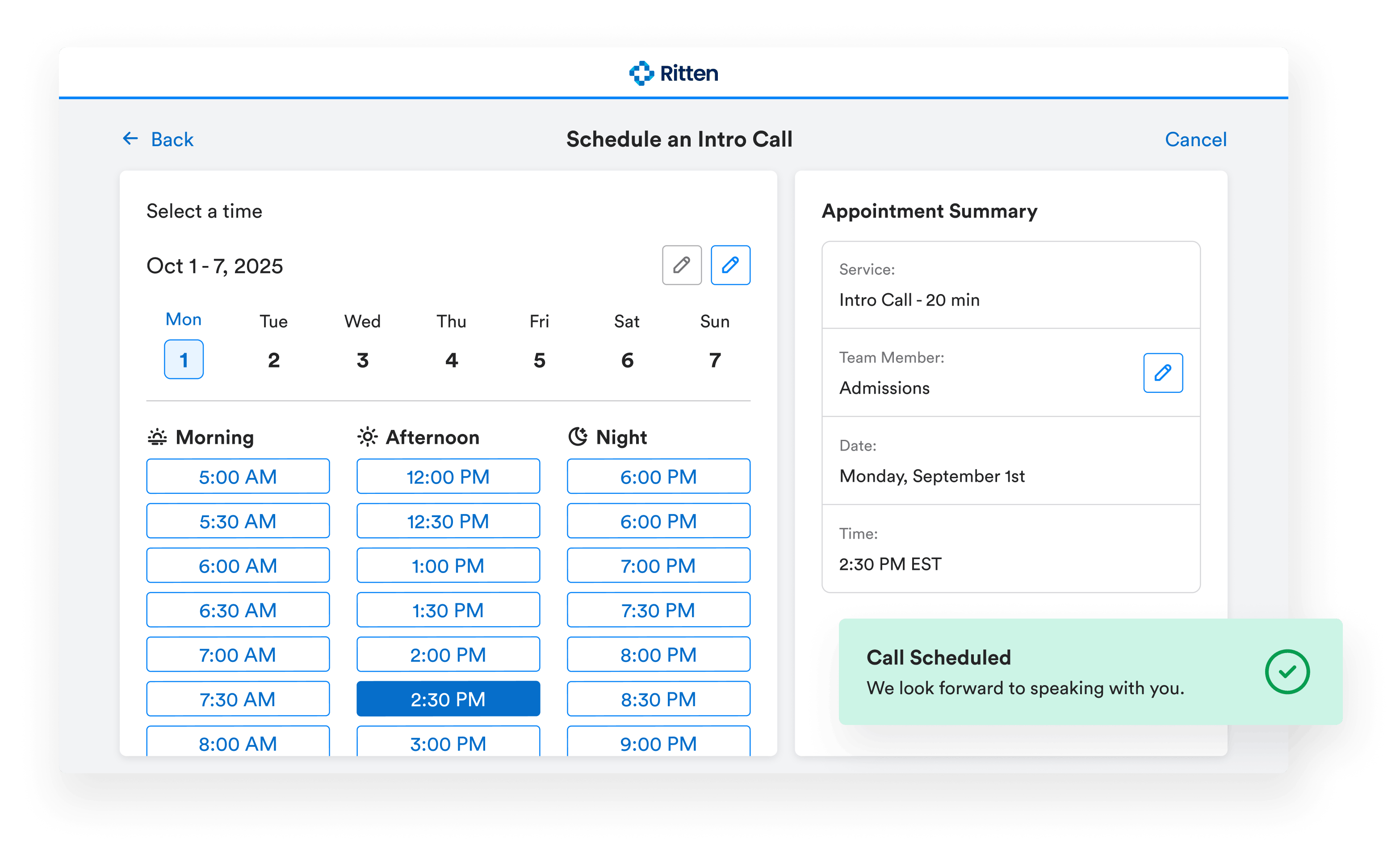
- Configurable case statuses. Match your team's stages. Moving a case to Pre-Admission generates an MRN and chart.
- Case tags. Tag by marketing source, event, or admissions action ("Needs Scheduled," "No Show"). Multiple tags per case.
- Case Source. Track and filter by where each case came from Lead Application, CTM, Facebook, or any source you add.
- Reasons for Disqualification. Configurable, so disqualified cases are captured consistently and reportably.
- Owners and follow-up dates. Nothing falls through the cracks.
- Notes, action items, and case contacts. Log conversations, assign follow-ups, and link everyone involved. Case notes flow into the chart as Staff Notes for continuity of care.
CTM call tracking, built in
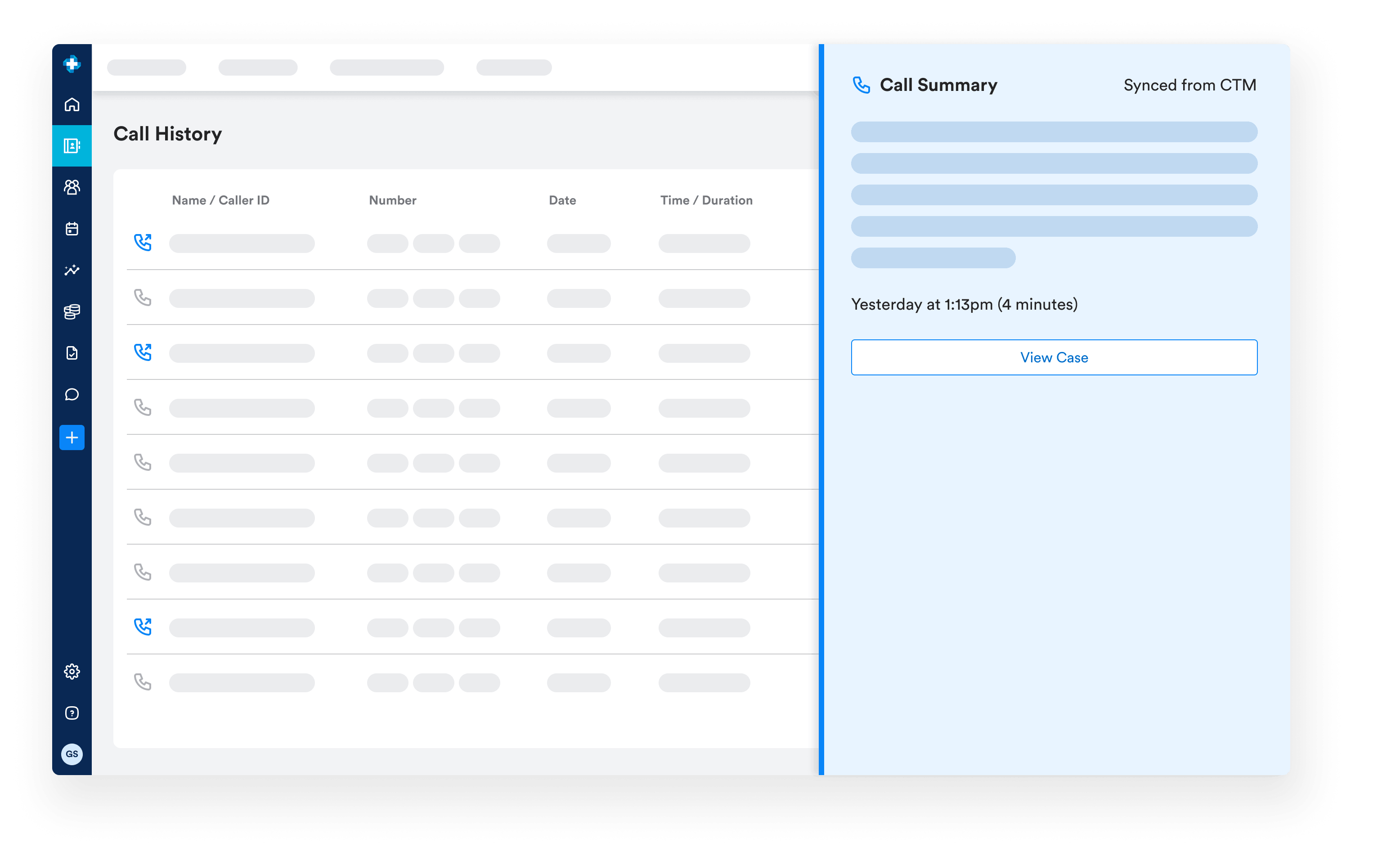
Most admissions inquiries start with a phone call. Ritten's Call Tracking Metrics (CTM) integration pulls inbound and outbound calls into the CRM with an AI-generated summary on each.
- Calls in the CRM. Most admissions inquiries start with a phone call. Ritten's Call Tracking Metrics (CTM) integration pulls inbound and outbound calls into the CRM with an AI-generated summary on each.
- Create or link a case from a call. New calls become new cases (Source: CTM), or link to existing cases Ritten suggests matches by phone number.
- Summaries and campaigns sync automatically. Linked call summaries become case notes; campaigns become case tags.
- Catch what hasn't been triaged. A "No Associated Case" filter surfaces calls not yet linked.
- Your team controls what flows in. Admins set CTM webhook rules. Available with CRM on contract.
From case to chart, without re-entry
Move a case to Pre-Admission and Ritten generates an MRN and a client chart. Insurance card images uploaded during admissions land in the chart's Attachments tab automatically.
Frequently Asked Questions
Still have questions about our behavioral health software? Email us at hello@ritten.io
Yes. Each linked call adds its summary as another case note, and new campaigns are added as additional tags.
Yes. Case Statuses, Case Tags, Case Source, and Reasons for Disqualification are all configurable in CRM Configurations.
Ritten integrates with Call Tracking Metrics (CTM). Calls can be linked to cases with AI-generated summaries attached.
A case has one status at a time (where it is in the pipeline) and can have multiple tags. Tags are typically used for marketing attribution, event tracking, or admissions task tracking.
The case record stays in the CRM. The chart, generated at Pre-Admission, becomes the active record for clinical workflows. Case notes carry over as Staff Notes
